
Presenting during a Source-Nexus Gateway session
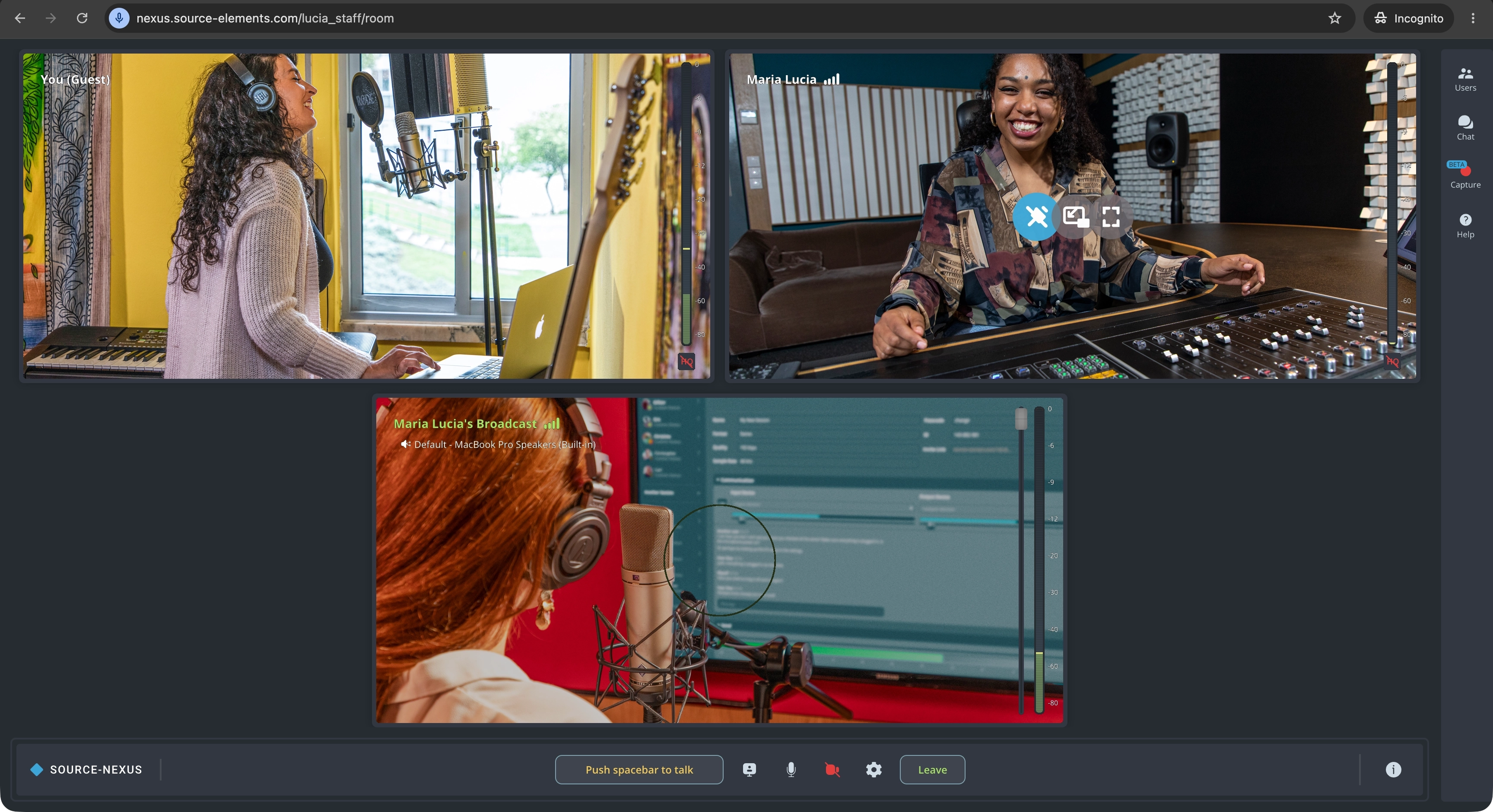
This article is part of the Source-Nexus Gateway User GuideWith the Source-Nexus Gateway, you can share your entire screen, a browser tab or an application or browser window (this includes, for example, a DAW session) during a meeting. While presenting, you can share any information you need - limiting what you want other users to see or not. The Source-Nexus Gateway host cannot monitor your screen activity unless you explicitly choose to share your screen.
Selecting a video device as a presentation source
As of Source-Nexus Gateway version 2, there is a feature in place to select a screen or video device as a presentation source instead of sharing your device's screen.
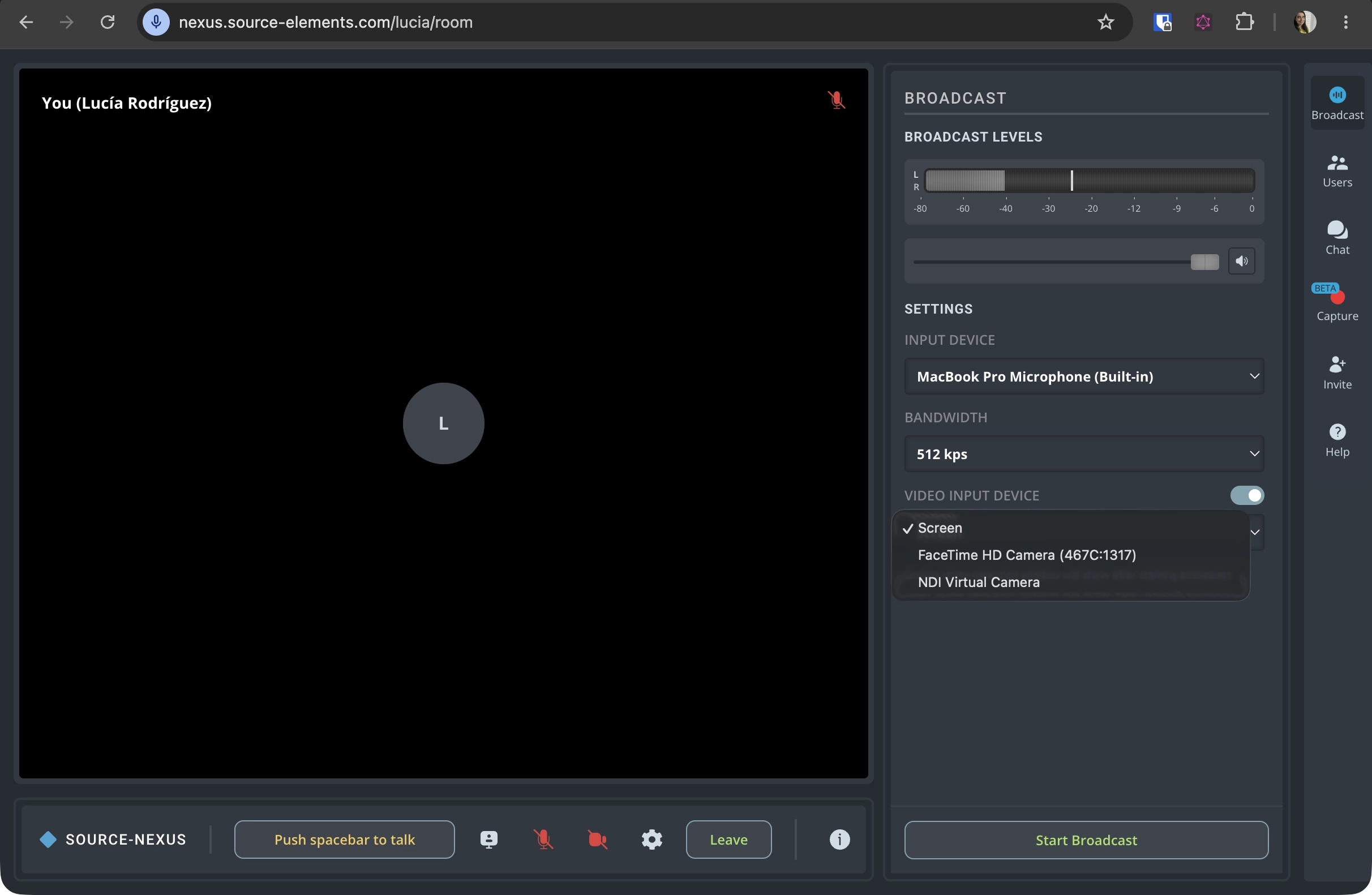
This will pull up any hardware or virtual camera inputs you have on your device, and allow you to present them to your guests.
Table of Contents