
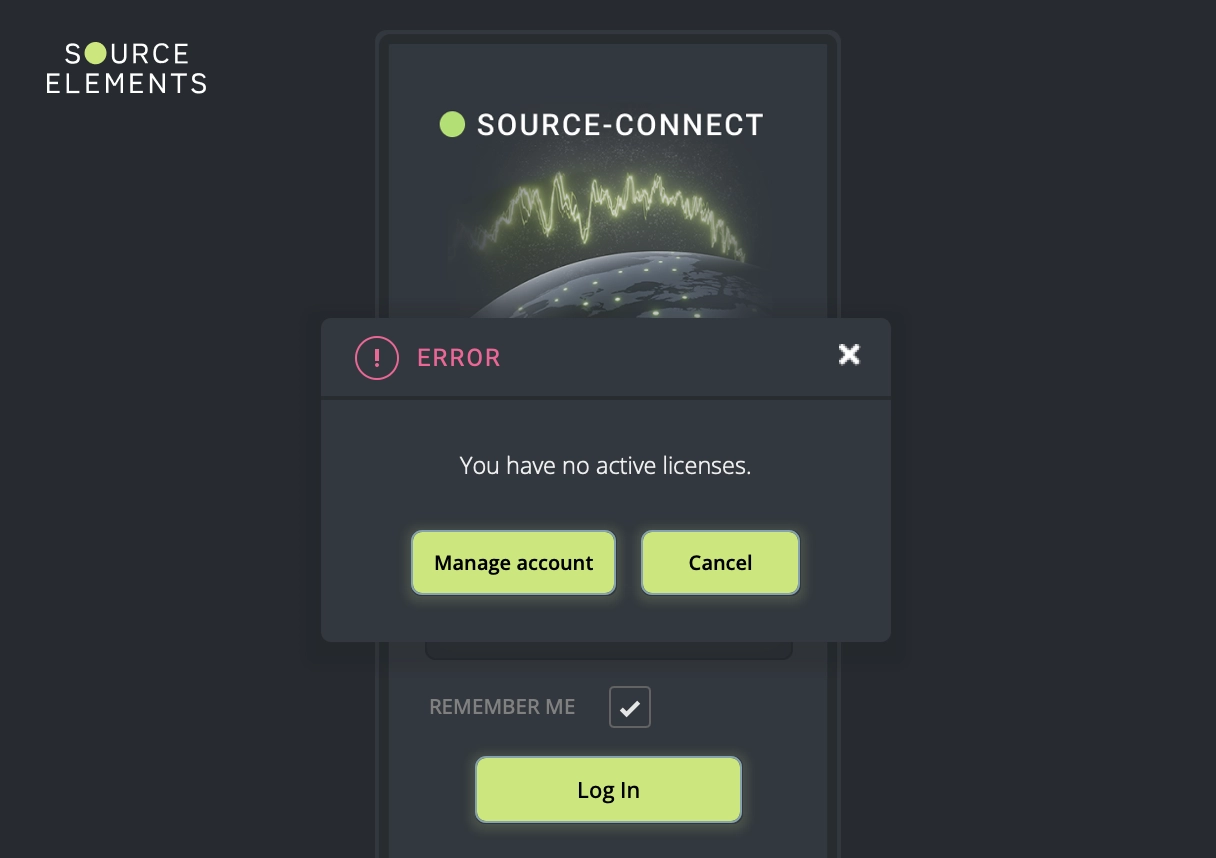
"You have no active licenses" error message
You have no active licenses
Source-Connect | Version 4 | Windows | macOS
Description
When users attempt to launch Source-Connect 4, they receive an error message indicating that there are no active licenses on their account. This prevents the application from starting completely.
Reason
This error occurs when:
- No valid Source-Connect 4 license is found on your account, either because one was not purchased or the subscription was cancelled.
- You were using a trial license and it has expired.
- Your Source-Connect 4 license is on the wrong account or sub-account.
- You recently changed your username. In very rare cases, this can cause an account mismatch.
Actions
Note: If you are using a trial version of Source-Connect 4, make sure the trial period has not expired. Trial licenses have a limited duration and will show this error once they expire.
Licensing issues
Make sure the account you are logging in with has an active Source-Connect 4 license or subscription. Go to the user dashboard Licenses page and confirm that a Source-Connect 4 subscription or license is shown there.
If you do not immediately see one, toggle the Expired slider at the top of the page. You can restart your subscription by purchasing it from the Source Elements store.
Wrong account or sub-account
If you have more than one account, check the Licenses page for each account and identify the one with the active license. Use that account to log in to Source-Connect 4.
If you have one or more sub-accounts, go to the Sub-Accounts menu in the user dashboard and check which sub-account has a Source-Connect 4 license assigned. Use that account to log in to the application.
Recently changed your username?
If you recently changed your username and believe this caused the error, contact the support team and explicitly mention the recent change. They can resolve an account mismatch.
If the issue persists
If the error remains after following these steps, contact the support team and include:
- Your exact username and the email address used to register.
- Your operating system and version.
- Whenever possible, a screenshot of your subscription or license in the Source Elements store.
Table of Contents