
Source-Connect 4 update error
This article contains troubleshooting informationUpdate Error!
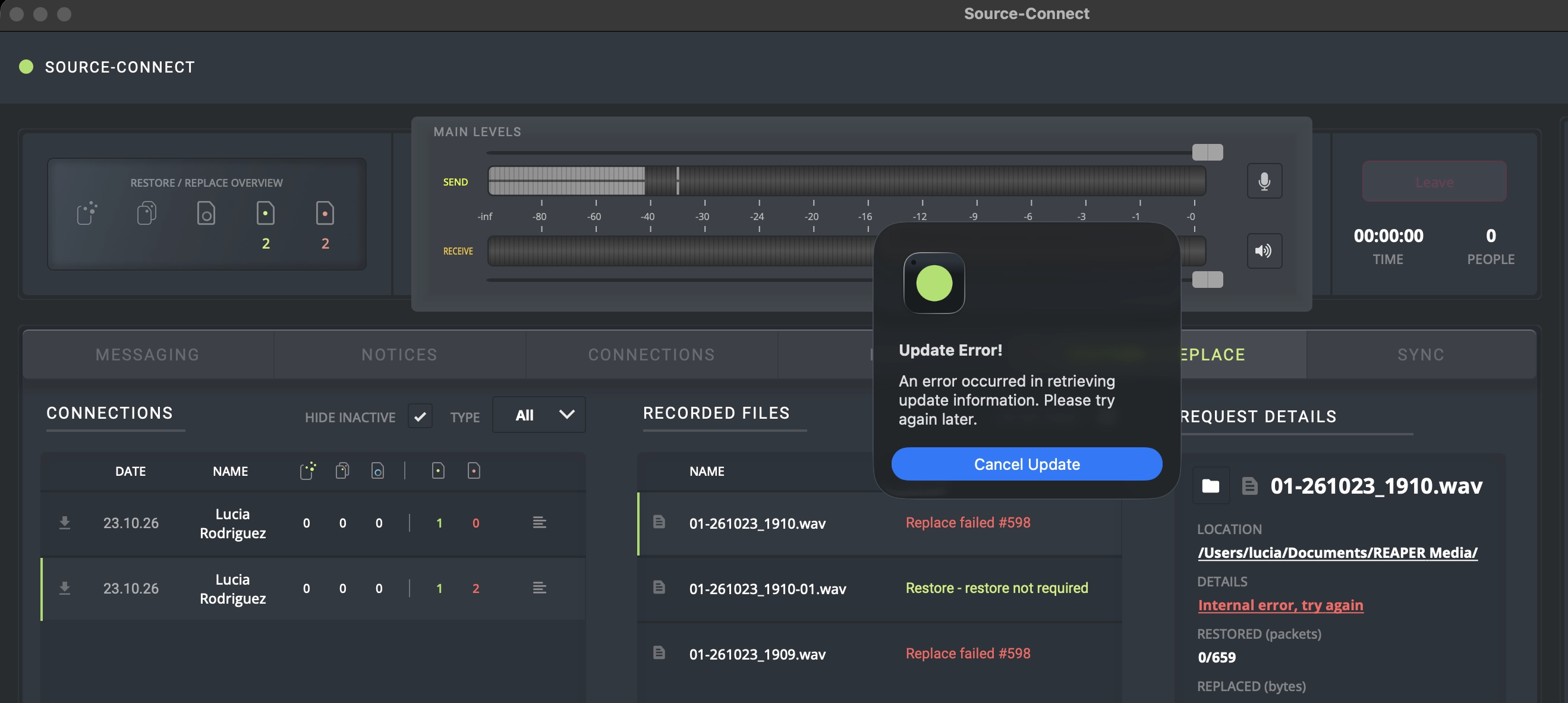
An error occurred in retrieving update information. Please try again later.
Source-Connect | Version 4 | All Operating Systems
Description
When users try to upgrade their Source-Connect 4 version, they see the following error message:
Causes
This might be caused because:
- You might have multiple IPs (for example, due to virtual machines).
- There are corporate network & firewalls blocking the access.
Actions
In order to fix the error message, try the following steps:
- Make sure you have internet access by trying to go to our website http://source-elements.com/. If you do not have internet access, try rebooting your router and computer and starting Source-Connect back up. If you are able to access our website via web browser but still cannot log into Source-Connect, it may be a firewall issue where your firewall is blocking traffic on port 80 TCP. Move on to the next instruction.
- Check your firewall, antivirus, VPN or IP (the IP must be correctly configured on port forwarding). Make sure none of them are blocking port 80. This issue is usually related to very strict networks, so if you are still unable to log in at this point, we will need more detailed information regarding your network settings to proceed.
- Make sure that you do not have more than one active network (Wifi/Ethernet etc) in your System/Preferences/Network settings. Ideally only one is "green" and all the others are "red." If you need to have two active network devices at the same time, then make sure your internet connection is set at the top (look at the bottom of the list to the settings gear to "set service order" to make sure that is correct).
- Were there any recent network changes? Was Source-Connect previously working and suddenly stopped after these changes? Contact your network provider.
If you continue to receive this error message, or you believe you are getting it in error, please contact our support team.
Table of Contents