
Profile cannot be viewed in the Source Elements user dashboard
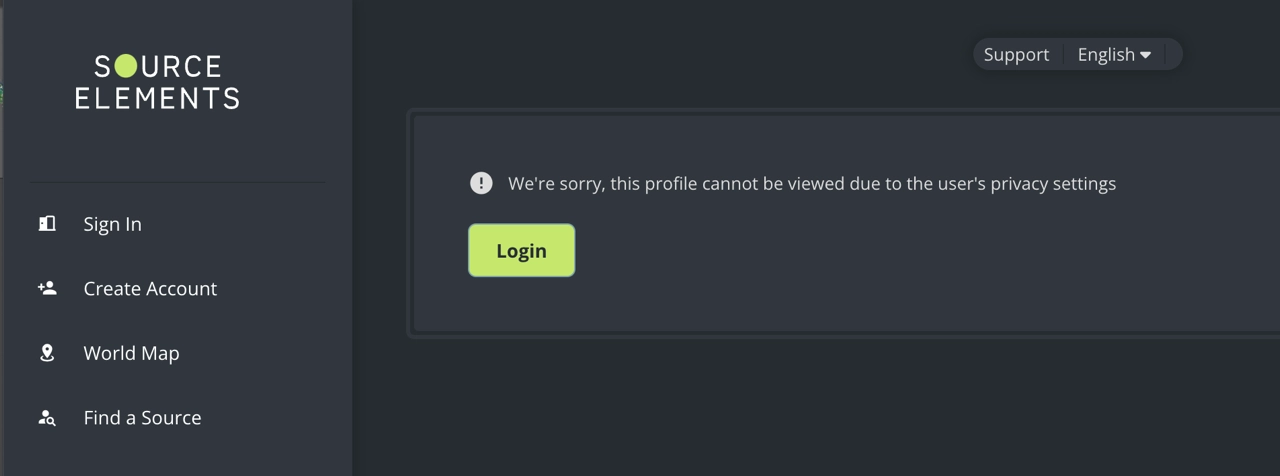
We're sorry, this profile cannot be viewed due to the user's privacy settings.
Description
When users try to view the profile for a dashboard user, they get the following error message:
Cause
The user who owns the profile has restricted their profile privacy settings. There are two profile privacy settings that will cause this error:
- Signed in users: if users trying to access the profile are logged out.
- My contacts: if users are not on the user's contacts list.
Actions
There are two possible scenarios:
- If this is your own profile and you want other people to be able to view it, set your profile visibility to Everyone. If you choose a more limited setting, communicate your profile visibility to the people who need to find you and set clear expectations.
- If this is someone else's profile, there is no workaround. If you know the person, you can ask them to update their profile visibility settings.
If this is your own profile and you believe you are getting this error message and you should not, please contact our support team for help.
Table of Contents