
Authorization Required in Source-Connect 4 Labs
This article contains troubleshooting informationAuthorization Required: Source-Connect 4
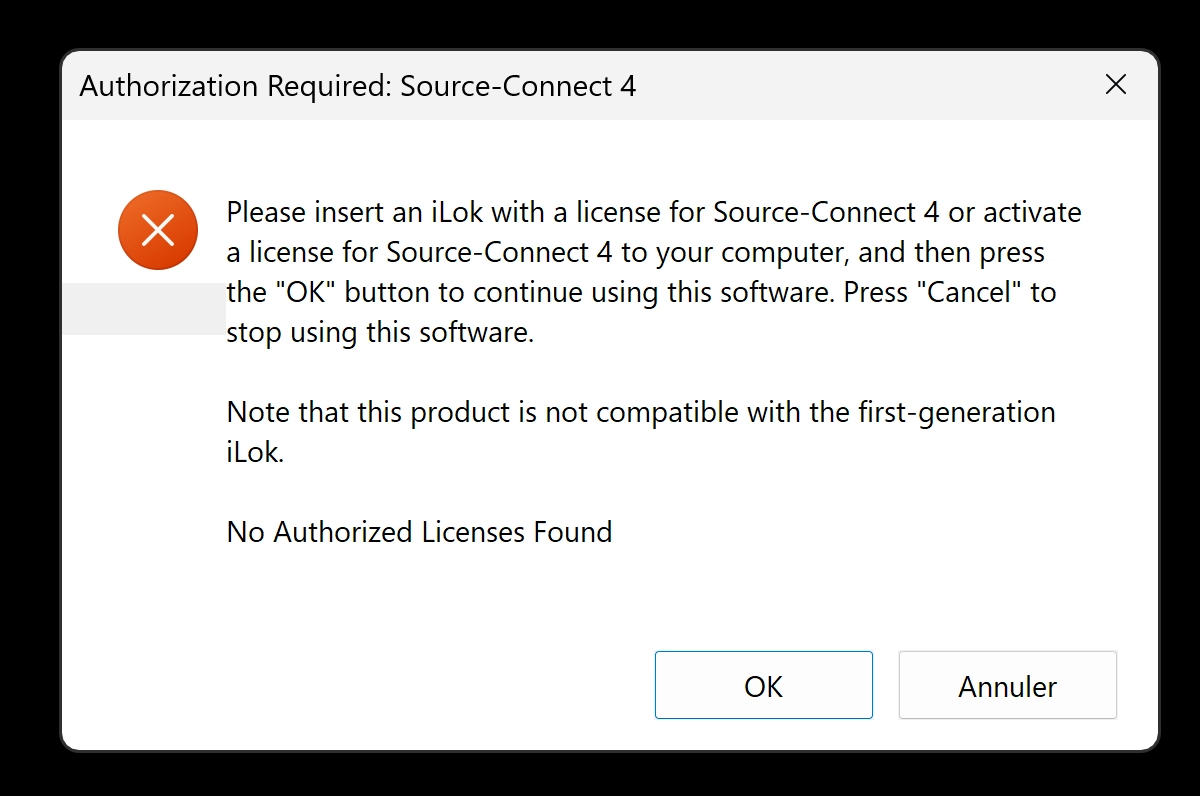
Please insert an iLok with a license for Source-Connect 4 or activate a license for Source-Connect 4 to your computer, and then press the "OK" button to continue using this software. Press "Cancel" to stop using this software.
Note that this product is not compatible with the first-generation iLok.
No Authorized Licenses Found
Source-Connect 4 Labs | All Versions | All Operating Systems
Description
When users launch Source-Connect 4 Labs, they may see the following error message:
Reason
The software cannot find an authorized Source-Connect 4 license at the selected iLok activation location.
Note: You may see this error when using a beta version of Source-Connect 4. The beta ended in March 2025, so update to a non-beta version of Source-Connect 4.
Actions
Use iLok License Manager to activate the Source-Connect 4 license to a valid activation location. The locations permitted for a license are shown in its Valid Locations column.
- If you are using a beta version of Source-Connect 4, update to a non-beta version before continuing. The beta ended in March 2025.
- Make sure you have the latest version of iLok License Manager installed. If not, update it before trying the other steps.
- If host-computer activation is available, activate the license to the computer running Source-Connect 4 Labs.
- If iLok Cloud is available for the license, open an iLok Cloud session in iLok License Manager (File > Open Cloud Session). iLok Cloud requires a continuous internet connection and is only available for licenses that the publisher has enabled for iLok Cloud.
- If you use a physical iLok, make sure it is connected directly to the computer where possible, or use a powered USB hub. Source-Connect 4 is not compatible with first-generation iLok devices.
If the error continues, please contact our support team for assistance.
Table of Contents