
Additional Plugin Settings
On the bottom right-hand corner of the Source-Nexus Mute-On plugin, you will see a cog icon. This will allow you to access the plugin settings page, where the following settings are available:
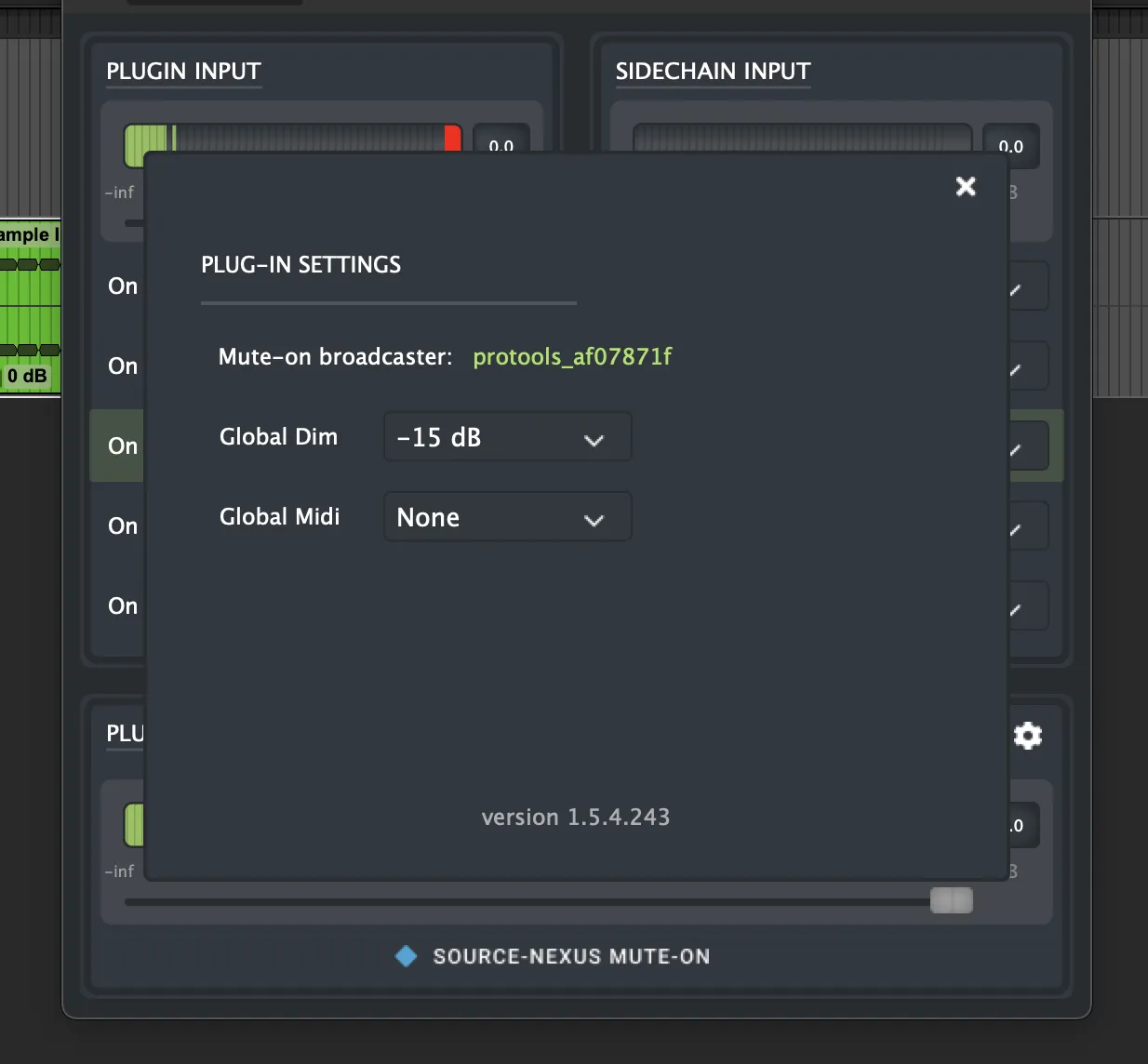
- Mute-on broadcaster: a read-only indicator that will indicate which DAW is following your Mute-On broadcast.
- Global dim selector, with the different dB configuration options (-6 dB, -10dB, -15dB, -30dB, -∞dB)
- Global Midi selector, which features a dropdown including all MIDI devices available on your workstation. If you select a device here, the MIDI must come from a device that’s selected on this dropdown for the On Midi actions.