
How to invite viewers to your Gateway sessions
This article is part of the Source-Nexus Gateway User GuideWhile you can directly share your session ID with your users, the Source-Nexus Gateway also includes an “Invite” panel on ther right-hand side of the screen. Clicking the "Invite" button opens up the following panel:
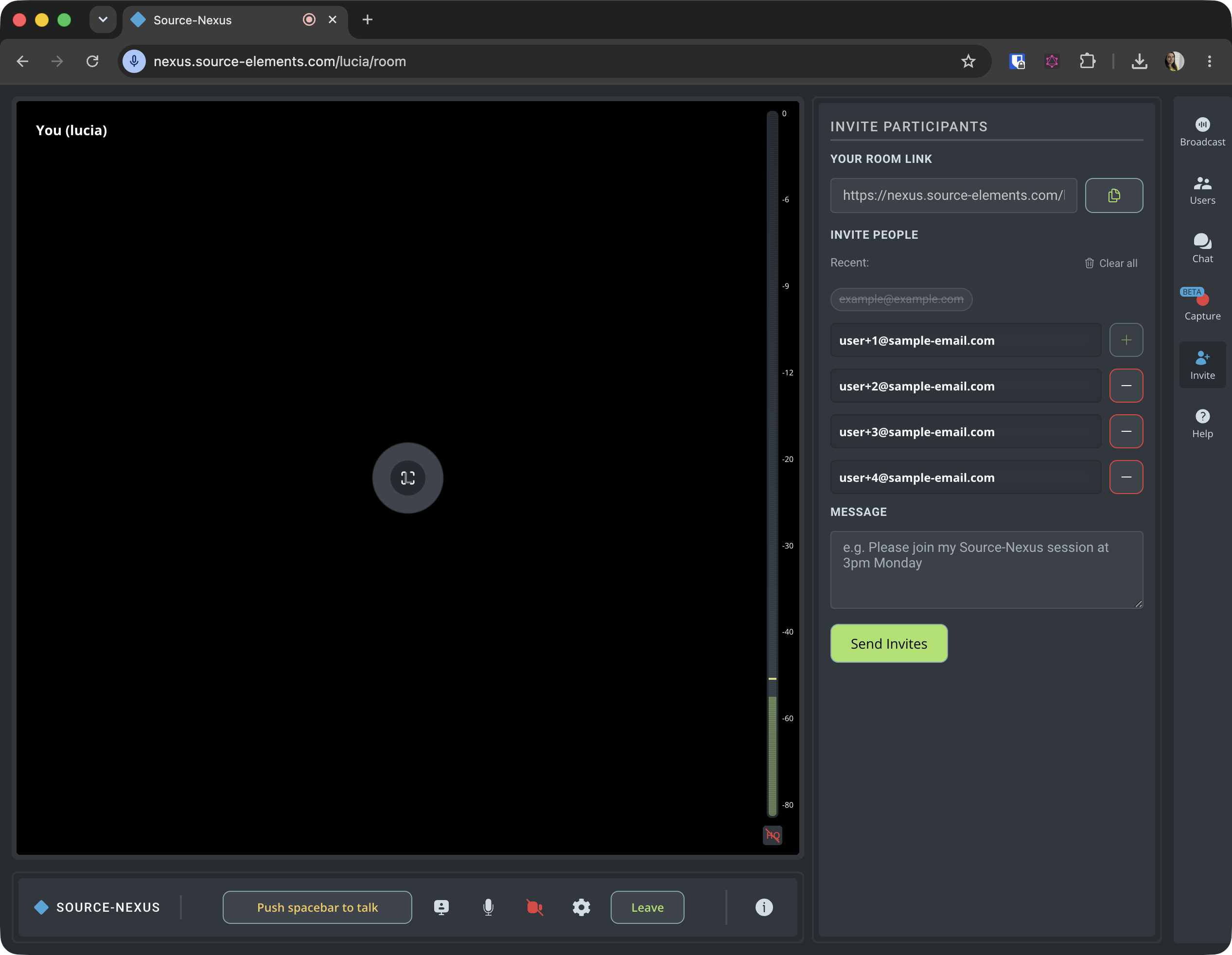
The sharing modal allows you to include 4 user emails at a time, and a custom message for your viewers. Your users will immediately receive an email with your Source-Nexus Gateway session and a link to join it. They will not need a passkey when joining.
The invite link users receive via email will expire when you change your passkey.
Copying your room link and sending it manually
The invite panel allows you to send your viewers a link to join your session without a passkey, since they will get a tokenized URL for your gateway session.
If you want to password-protect your sessions, you can still manually copy your room link and send it to users via email - don't forget to send them the passkey.
Table of Contents