
Unable to locate audio hardware
This article is preserved for legacy use only for Source-Connect version 3. We recommend updating to Source-Connect 4
Alert
Unable to locate audio hardware. Make sure your hardware is connected and turned on. Click "OK" when the hardware is ready.
Source-Connect | 3.9 | All Operating Systems
Description
When using Source-Connect, users get the following error message:
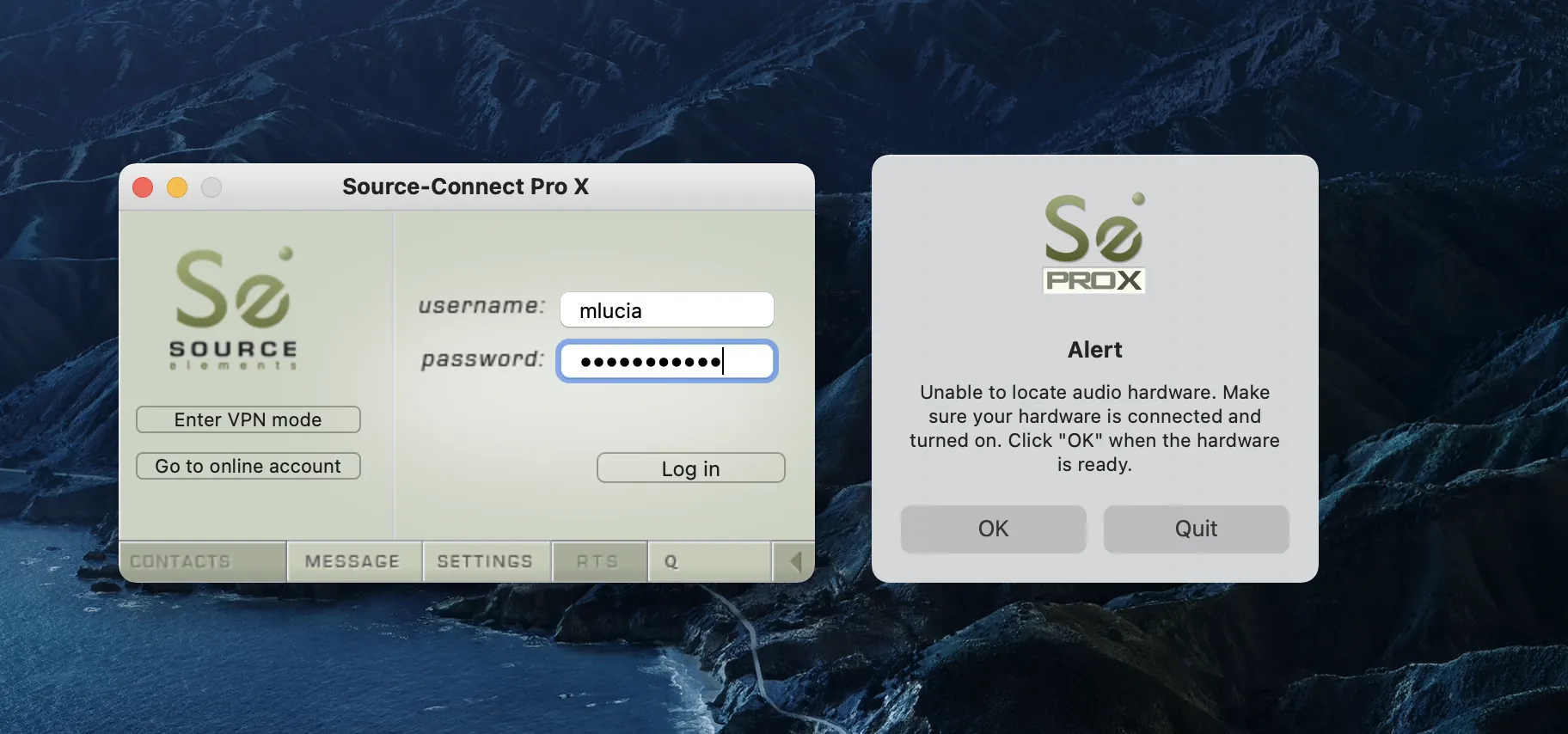
Some users also get the error message when opening their DAW after opening Source-Connect.
Cause
There is no audio hardware to use with Source-Connect.
Alternatively, the same audio hardware is being used on Source-Connect and your DAW (such as Pro Tools) as a Playback Engine.
Actions
Try one of the following options:
- If you get the error message when opening Source-Connect, and you have no other audio software open,
make sure your devices are correctly plugged-in.
If you do not have any valid audio hardware to use as an input or output, try downloading Source-Nexus and use it as an input/ouput in Source-Connect.
- If this is happening in Pro Tools, it is because Pro Tools is taking exclusive control of the hardware, which leaves Source-Connect with no audio device to work with. Try downloading Source-Nexus and use it as an input/ouput in Source-Connect.
Table of Contents