
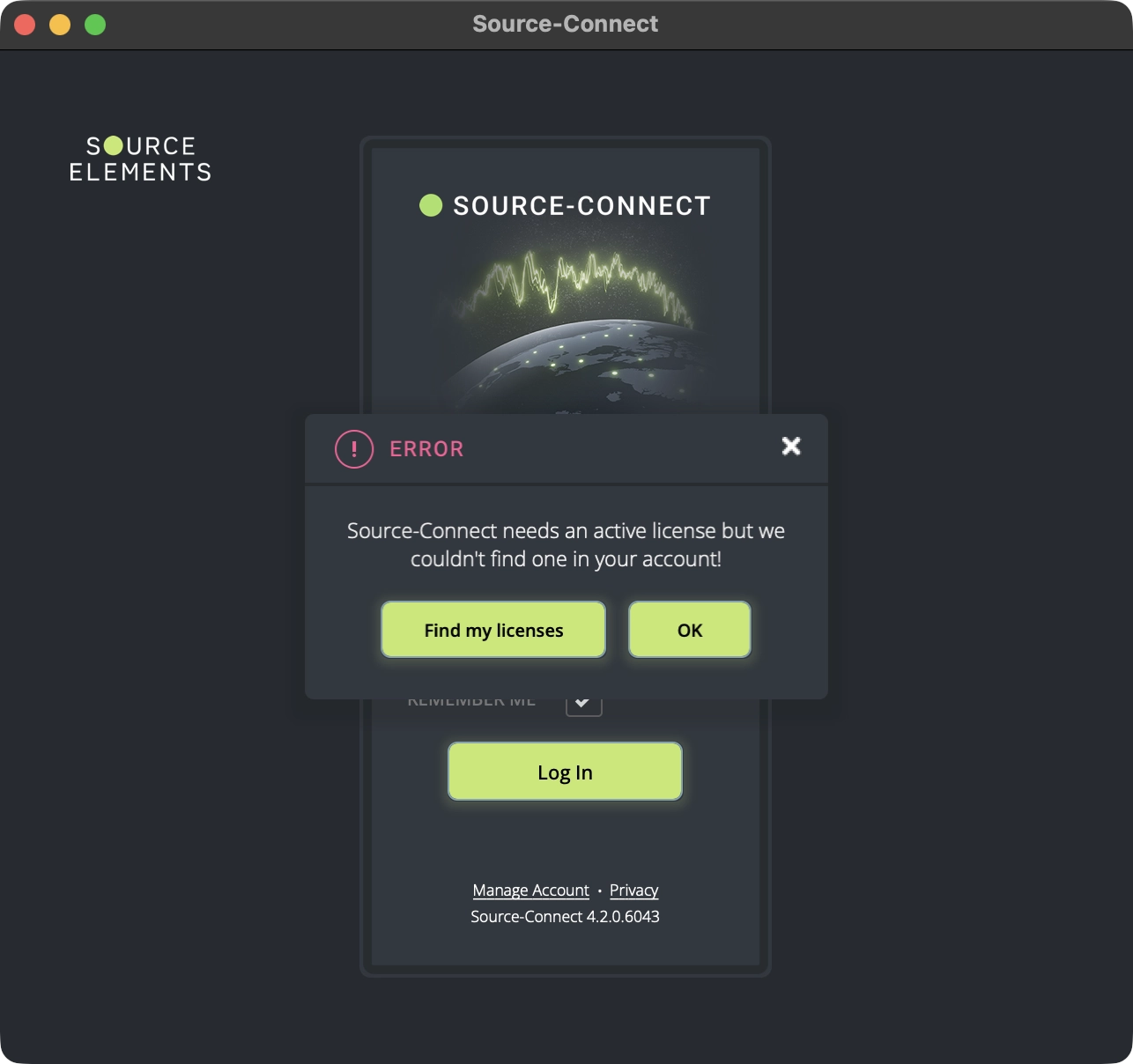
"Source-Connect 4 needs active license" error message
Source-Connect needs an active license but we couldn't find one in your account!
Source-Connect | Version 4 | Windows | macOS
Description
When users attempt to launch Source-Connect 4, they receive an error message indicating that the software needs an active license to function. This prevents the application from starting completely.
Reason
This error occurs when:
- No valid Source-Connect 4 license is found on your account - whether it's because one wasn't purchased or you cancelled the subscription.
- You were using a trial license and it has expired.
- Your Source-Connect 4 license is on the wrong account or sub-account.
- You recently changed your username. In very rare occasions, this might cause an account mismatch problem which might have affected your account.
Actions
Note: If you're using a trial version of Source-Connect 4, make sure the trial period hasn't expired. Trial licenses have limited duration and will show this error once they expire.
Licensing issues
First, make sure that the account you are logging in has an active Source-Connect 4 license/subscription. Go to the user dashboard Licenses page and make sure you see a Source-Connect 4 subscription or license there.
If you do not immediately see any, toggle the "Expired" slider on top of it and see if anything comes up. You can re-start your subscription by purchasing it from the Source Elements store.
Wrong account / sub-account
If you have more than one account, try repeating both accounts, go to the user dashboard Licenses page and identify the account with the active license. You will need to use that one to log into Source-Connect 4.
If you have one or more sub-accounts, go to the Sub-Accounts menu in the user dashboard and check which sub-account has a Source-Connect 4 license assigned - you will use this account to log into the application.
Have you recently changed your username?
If you have recently changed your username, and you believe this change caused the active license error message, you will need to contact our support team - explicitly mention that you have made the change recently. They will be able to fix the problem for you.
If the issue persists...
If the error is still displayed after following all steps above, contact the support team and send them the following information:
- Your exact username and the email you used to register.
- Your operating system and version
- Whenever possible, a screenshot of your subscription/license on the Source Elements store.