
US EN
ES ES
  • Source Elements logo
  • Centro de Soporte
  • Guías de Inicio
  • Ver Sitio Web
  • Centro de Documentación
  • Guías de Inicio
  • Tienda
  • Prueba Gratis
ES
US EN
ES ES
  • Home
  • Source-Nexus Suite
  • Manual de Source-Nexus Control Panel

Borrar dispositivos en el Panel de Control de Source-Nexus

  • Manual de Source-Nexus Control Panel

    load search results here
if no results found => show contact form

We couldn't find any results for your search. Try using different keywords or check the spelling of your search terms.

This article is part of the Source-Nexus Control Panel User Guide

Para eliminar dispositivos:

  1. Seleccione el dispositivo que desea eliminar.
  2. Haga clic en la X y se eliminará inmediatamente.
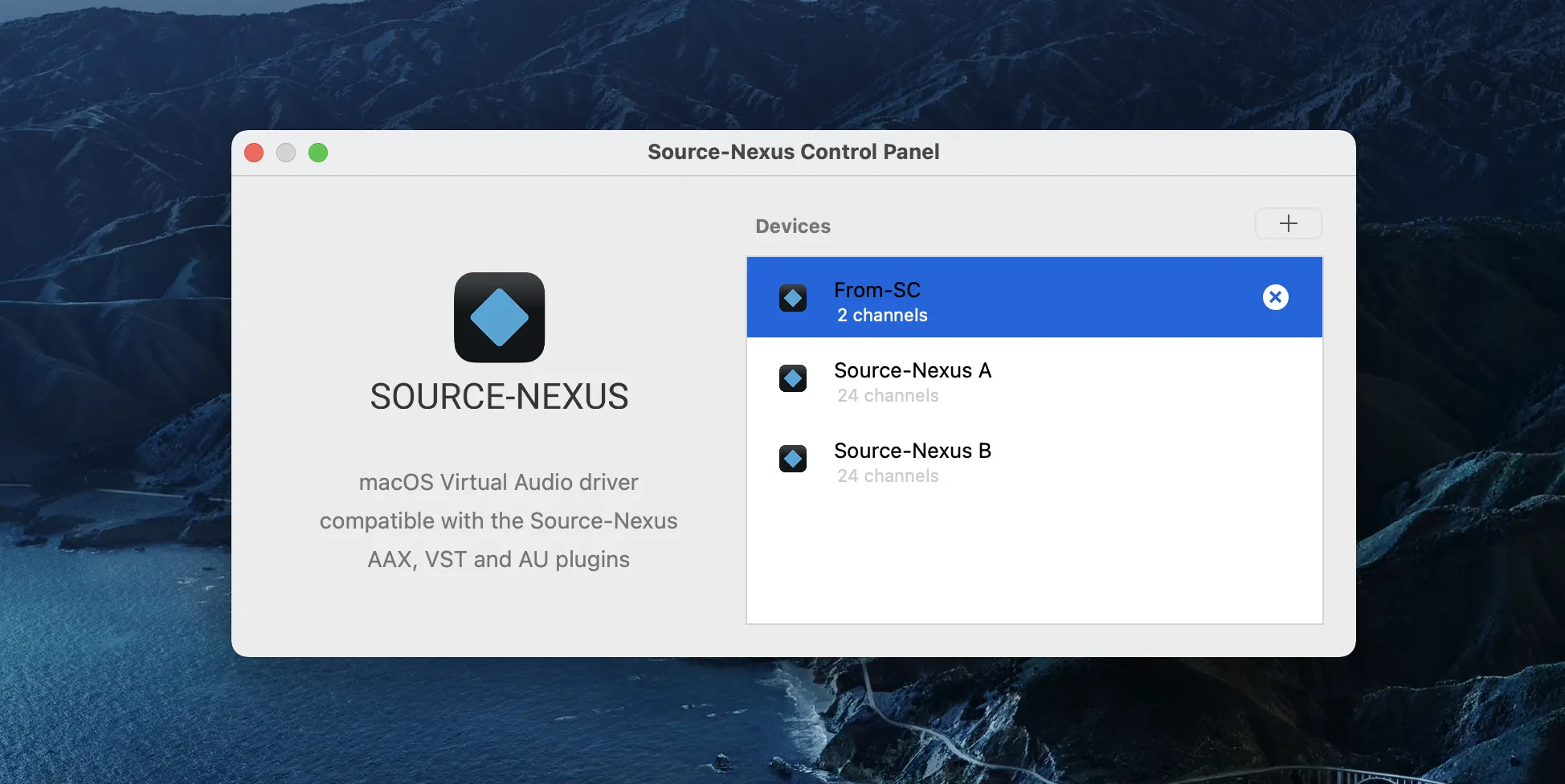
SourceNexusControlPanel_FromSC_2
← Anterior Volver a guia Siguiente → 
Expand